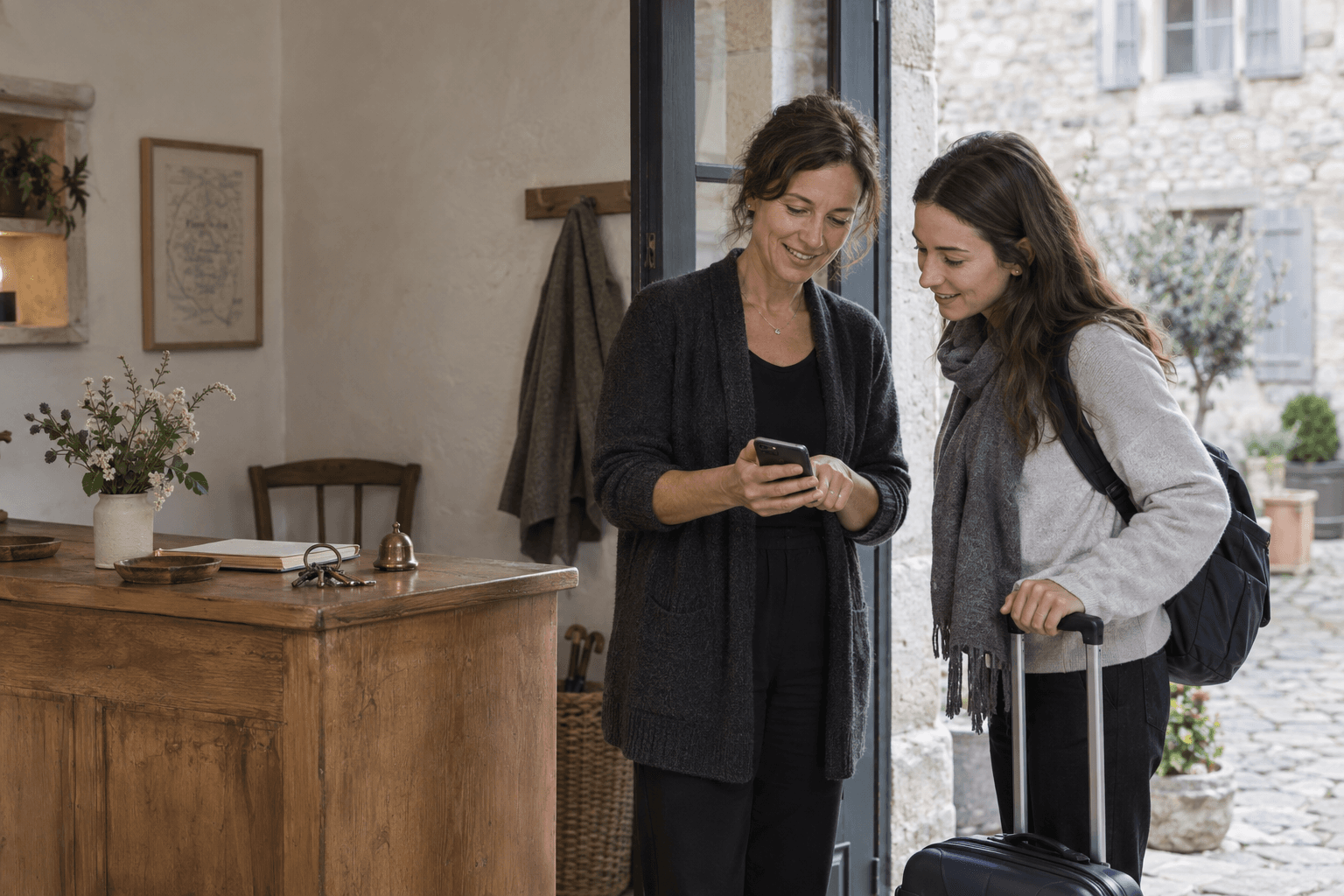
A digital guest guidebook or a map of tips?

A digital guidebook can cover the whole stay. PinTips focuses on recommended places; the two tools can work together.

Start with Share, for free. No card required.

Choose for the job you need to do

Choose a digital guidebook to bring check-in, Wi-Fi, house rules and guest tools together. PinTips can sit alongside it for curated neighbourhood maps, or meet your needs alone if you only need to share places.

Digital guidebooks are a category, not a single competitor. Touch Stay, for example, includes property information, messaging and integrations. PinTips does not offer these operational features.

Differences to consider

Differences to consider
Differences to considerDigital guest guidebooksPinTips
Reading a shared mapDigital guest guidebooks

Product dependent. Touch Stay offers guides accessible through a link.

PinTips

Public maps open in a browser. A mobile app is part of the future direction.

AccountDigital guest guidebooks

Access and invitations depend on the product and settings.

PinTips

Not needed to read. Required to create maps or copy places into your own.

Personal contentDigital guest guidebooks

Property information and local recommendations. Formats and customisation vary.

PinTips

Personal notes and photos attached to places; a profile with public maps.

Hours and informationDigital guest guidebooks

Check how your chosen product handles places and opening hours.

PinTips

Available hours appear in the place card. The map owner should check the information.

SharingDigital guest guidebooks

Touch Stay offers links, QR codes and invitations. Check other products individually.

PinTips

Built-in links and QR codes. Updating the same map’s content does not require a new QR code.

Plans and pricingDigital guest guidebooks

Varies by product and number of guides or properties. Check the official pricing.

PinTips

Free Share; paid Connect+. See the pricing page for current prices and features.

Sources and comparison criteria

Sources checked on 28 September 2026. Features and terms can change. The digital guidebook comparison describes a category; check the specific product you are considering.

What happens when someone opens the link

People can open your map in their browser, read the notes and details you added, and open directions to a place. Viewing needs no account; saving a place to their own map requires sign-in.

  • Opens in the phone browser
  • An account is needed to create or save
  • Directions open in an external navigation service
  • The interface is in English and Italian

Boot Café

Café · Paris
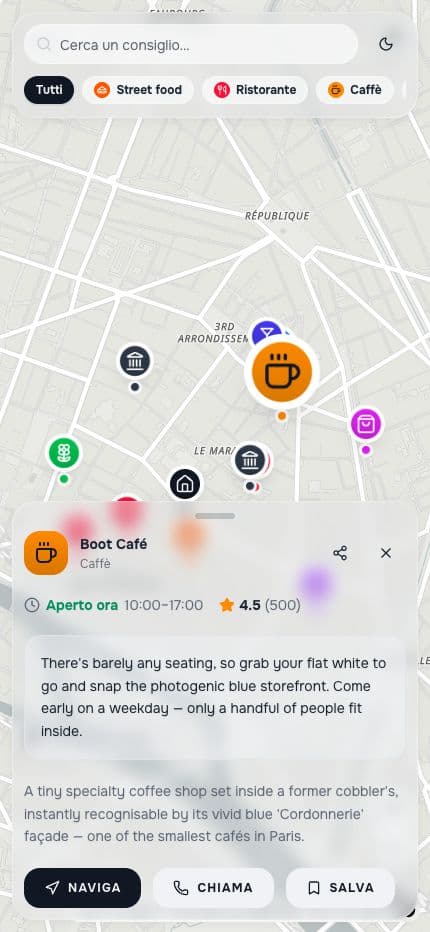
The public Paris map with the recommendation for Boot Café open

Start with the recommendations you give your guests

Create your map

Start with Share, for free. No card required.