Shape the day you have in mind

Arrange stops into a sequence people can explore on your map.

Included in the free Share plan.

Itineraries
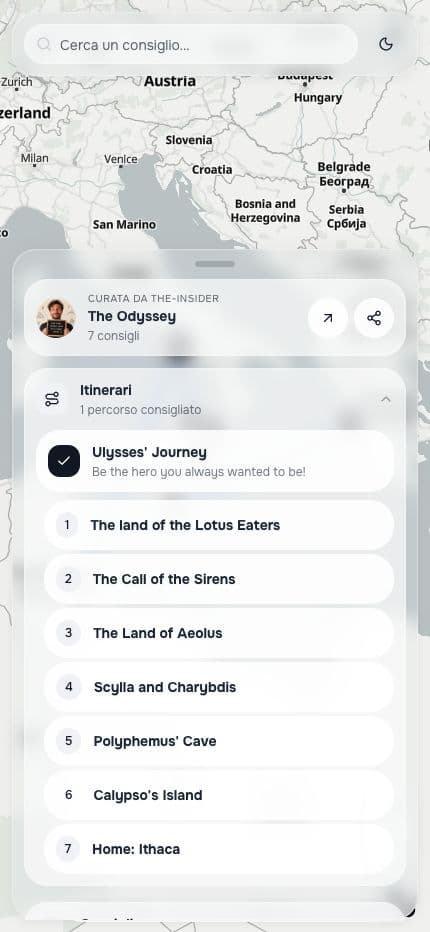
The seven ordered stops of Ulysses’ Journey
Actual interface. The Odyssey is a narrative map: it demonstrates ordered stops, not a verified travel route.

What it does

A collection brings places together; an itinerary adds an order. Create routes for different days or themes and show numbered stops in the map panel.

Included in the free Share plan.

Itineraries are included in Share. You choose the order: this does not promise automatic route optimisation, travel times or offline access.

See the plans

How to use it

  1. 1

    Create an itinerary

    Open Itineraries in the editor and add a title and an optional description.

  2. 2

    Choose the stops

    Add points and arrange them in the order you want to suggest.

  3. 3

    Explore a stop

    Visitors can select the itinerary and open its linked places. Directions open in an external navigation service.

Frequently asked questions

All the questions

Choose the first stop on your itinerary

Create your map

Included in the free Share plan.