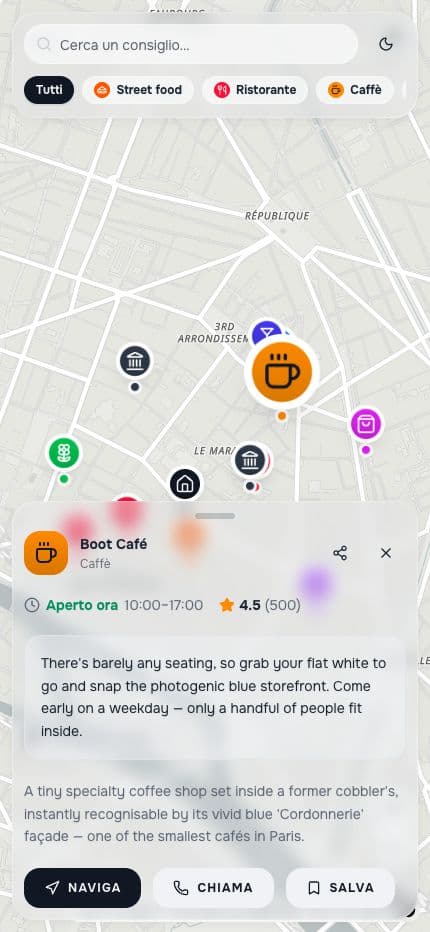
A map that stays with your client throughout the trip
Turn the places in a programme into ordered stops, with details that help your client during the trip. Share a reference they can easily reopen.
Start with Share, for free. No card required.
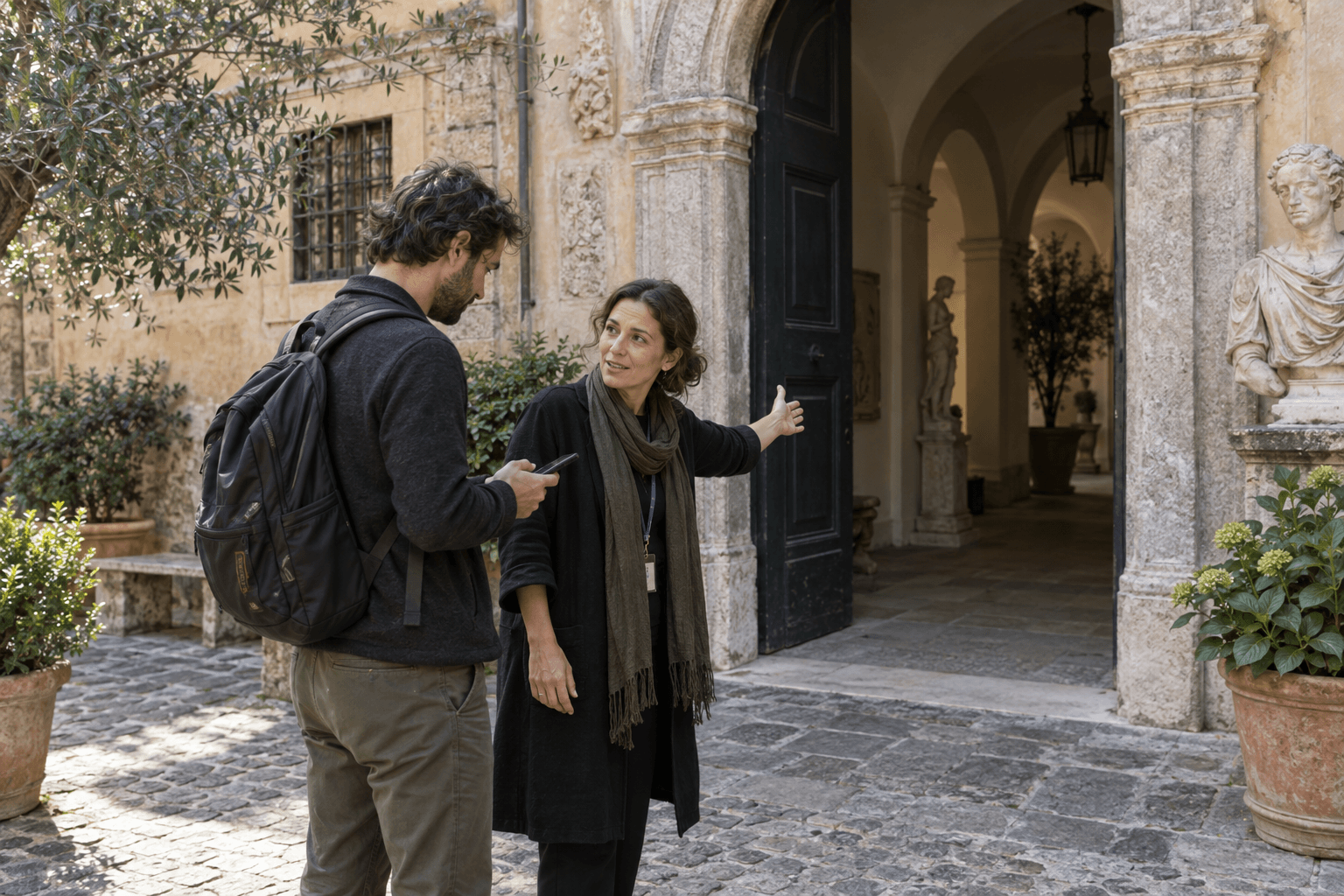
Practical notes beside each stop
Illustrative example. These places and tips show what you can create; they are not verified recommendations.
The hotel
Meet your guide outside reception.
The museum entrance
Use the side courtyard; tickets are in your travel documents.
Dinner tonight
Check the time in your booking confirmation.
How you do it
What happens when someone opens the link
People can open your map in their browser, read the notes and details you added, and open directions to a place. Viewing needs no account; saving a place to their own map requires sign-in.
The client opens the itinerary on location, sees where they are and what is around, calls the restaurant or sets off to the museum using their navigation app.
- Opens in the phone browser
- An account is needed to create or save
- Directions open in an external navigation service
- The interface is in English and Italian
Boot Café
Café · Paris