Google My Maps or PinTips?
My Maps offers layers, lines, shapes and data imports. PinTips centres on collections of places and personal recommendations. Your choice depends on what you need to build.
Start with Share, for free. No card required.
A data map and a collection of recommendations can look similar. My Maps offers geographic tools PinTips does not have; that is the first distinction to consider.
Sources and comparison criteria
Sources checked on 28 September 2026. Features and terms can change. The digital guidebook comparison describes a category; check the specific product you are considering.
What happens when someone opens the link
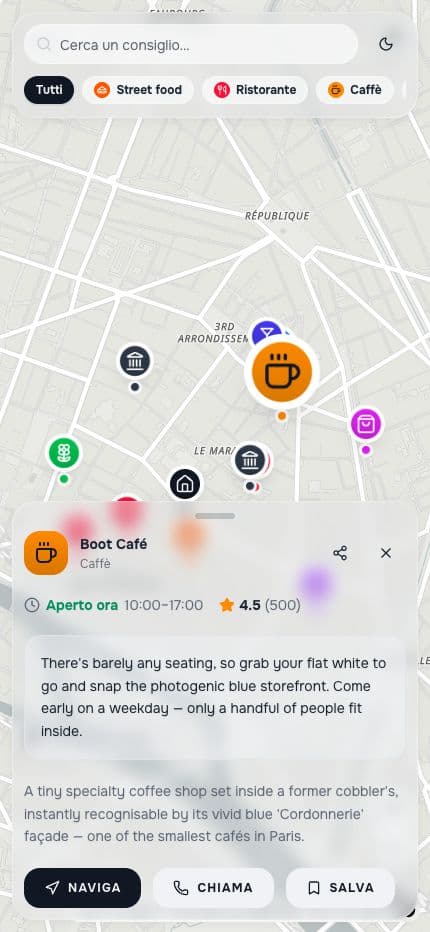
People can open your map in their browser, read the notes and details you added, and open directions to a place. Viewing needs no account; saving a place to their own map requires sign-in.
- Opens in the phone browser
- An account is needed to create or save
- Directions open in an external navigation service
- The interface is in English and Italian
Boot Café
Café · Paris