Bring your care for the trip to every stop
Give your client a map with ordered stops, contact details and practical notes. A reference to reopen during the trip, alongside their programme and bookings.
Start with Share, for free. No card required.

Practical details, in the right place
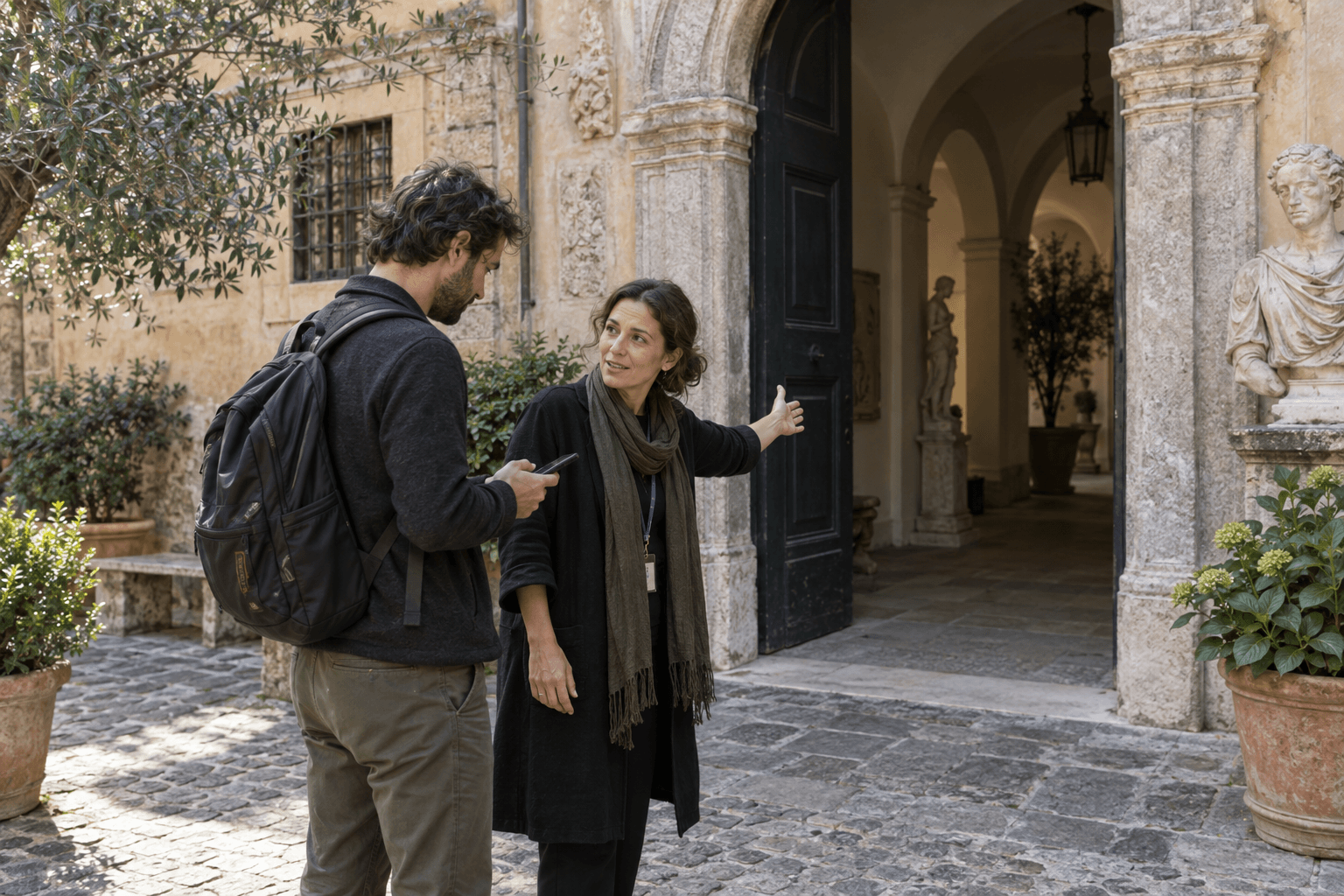
“The entrance is through the courtyard”, “meet your guide at reception”: your instructions sit with the place. Arrange stops in your chosen order and update the same map when advice changes. PinTips does not manage bookings, payments or travel documents.
The details clients need when they arrive
The programme describes the trip. Your map can add entrances, meeting points and contacts: the information clients look for while they are there.
Practical notes beside each stop
Illustrative example. These places and tips show what you can create; they are not verified recommendations.
The hotel
Meet your guide outside reception.
The museum entrance
Use the side courtyard; tickets are in your travel documents.
Dinner tonight
Check the time in your booking confirmation.